Strawberry Milkshake
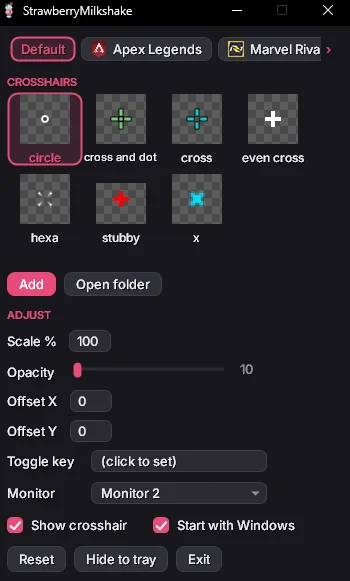
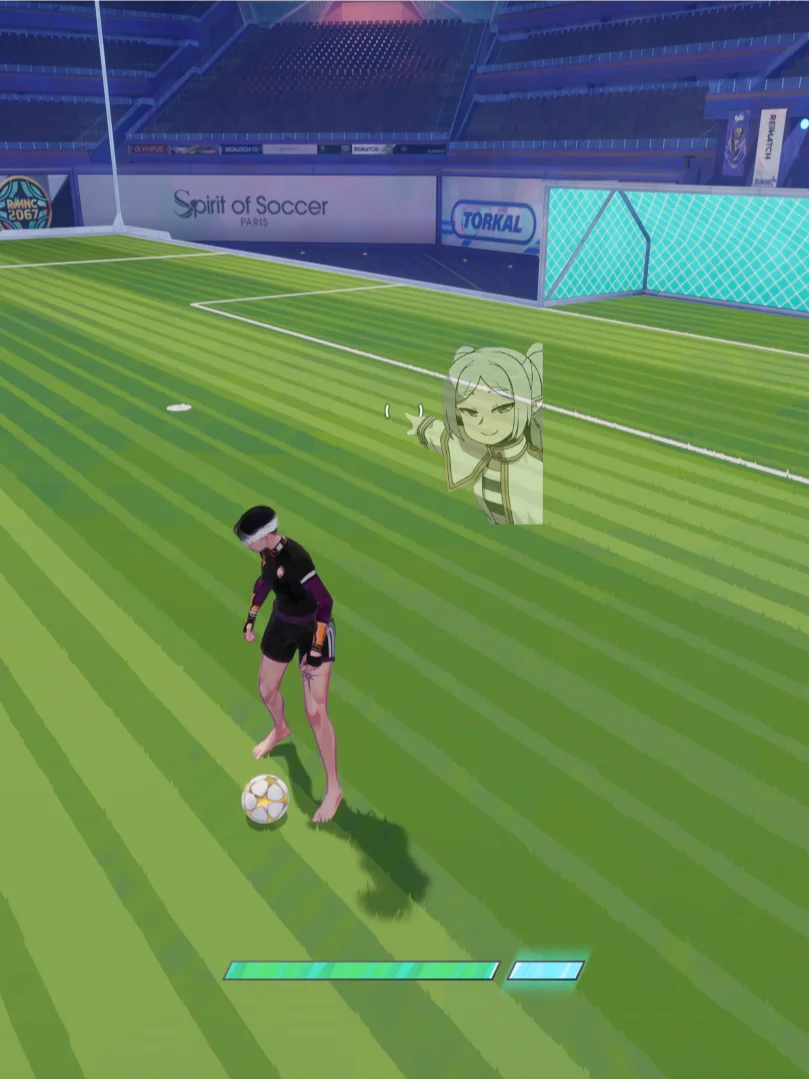
A tiny native Windows crosshair overlay. It shows a PNG crosshair of your choice at the center of your screen with per-game/per-process configuration, comes with a default library of crosshairs you're familiar with that you'll eventually fill up to be a scrollable library of your favorites. Fully offline, no telemetry, and only a few MB of RAM used instead of CrosshairX's ~150 MB Chromium footprint.
Native Windows Application made with C++
MINIMUM:
Requires a 64-bit processor and operating system
OS: Windows 10
Memory: 256 MB RAM
Graphics: Intergrated Graphics
Storage: 5 MB available space
Additional Notes:
Starts in tray, Run games in borderless / windowed fullscreen so the overlay stays visible.
True exclusive fullscreen covers any overlay, If the active Crosshair is moved or deleted, the overlay just goes blank pick another or add a new one in the crosshairs folder, installs per-user to %LOCALAPPDATA%\Programs\StrawberryMilkshake and runs in the system tray.
SmartScreen Warning? That's normal, and the app is safe.
Windows shows this blue box for unsigned apps made by small, independent developers. It only trusts apps from people and big companies that are able to afford the $300+ yearly approval, so anything new and independent of an established company or developer gets the pop-up until lots of people have ran it safely. It is not a virus warning.
To launch the Strawberry Milkshake Setup:
1. Click "More info"
2. Click "Run anyway"
That's it. The app is fully offline and never touches the internet.